

















Aimbot
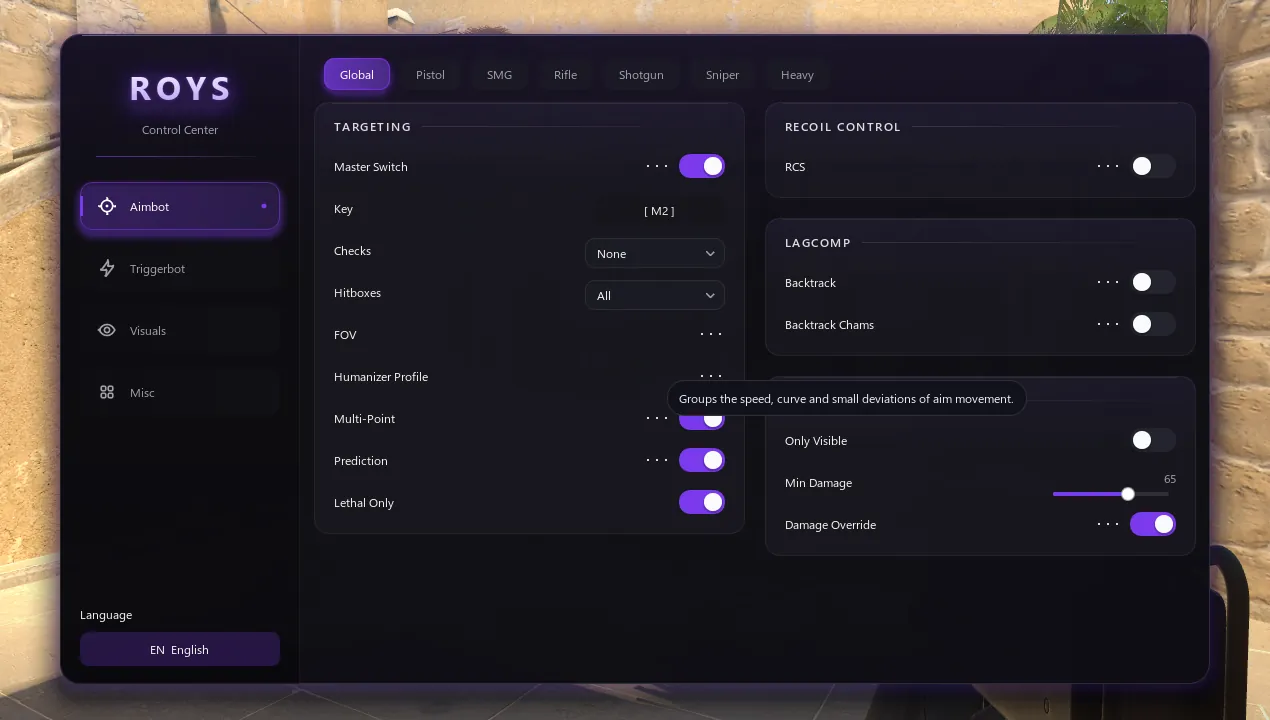
Small FOV, high smoothing
Keep the FOV small and raise smoothing until the aim feels like your own hand. Turn on the Humanizer.
Everything you need to get Roys running: what to have ready, the order to start things in, the keys, legit settings and fixes for the most common problems.
Before you start
Check these first and the rest takes a few minutes.
Step by step
Get Roys.exe from the download link in your email. It is a small loader for Windows 10 and 11.
Open Counter-Strike 2 and wait for the main menu. Roys connects to the running game, so the game has to be open before Roys starts.
Open Roys.exe, paste the license key from your email and click LOGIN. Roys checks the key, downloads your version and starts it, then the loader closes by itself.
Press Insert to open or close the menu and End to close Roys. On the first start, a short welcome guide shows these keys and lets you change them.
The language button sits at the bottom left of the menu. Choose one of 15 languages; the change applies at once.
Changes save automatically. Keep different setups as profiles in Misc → Configs and switch between them in seconds.
Legit settings
Roys is built for legit play. These settings keep it that way.
Aimbot
Keep the FOV small and raise smoothing until the aim feels like your own hand. Turn on the Humanizer.
Checks
Turn on the visibility, smoke and flash checks, so the aimbot never fires at someone you could not see.
Triggerbot
Add a reaction delay and timing randomization, so shots do not land at the same instant every time.
ESP
With Legit Sync, ESP shows only enemies that are visible, heard or spotted on the radar. Hide When Spectated clears the screen while someone watches you.
Per weapon
Pistols, rifles and snipers play differently. Set each weapon group on its own instead of one setting for everything.
Streaming
Roys can hide its overlay on supported capture methods, so viewers see only the game.
Smooth overlay
Roys runs next to CS2 as its own program and shares your computer: mostly the CPU, and the GPU for some features. If your PC is already at its limit:
Troubleshooting
Start CS2 first and wait for the main menu, then open Roys again. Roys connects to the running game.
CS2 has not finished starting yet. Wait for the main menu, then open Roys again.
After a CS2 update, Roys needs a matching update. Open Roys again a little later: the loader always downloads the newest version.
Set CS2 to Fullscreen Windowed in the video settings. In true fullscreen the overlay can stay hidden.
Pick other keys in the welcome guide on the first start. Later you can change them in %TEMP%\roys\configs\hotkeys.cfg (the menu= and exit= lines), then restart Roys.
Settings live in %TEMP%\roys. Cleaning tools can delete that folder, and Roys then starts with default settings. Leave that folder out of your cleaner.
Paste the whole key from your email, without spaces. A free trial key works on one PC only. Still stuck? Write to support@royshub.com or ask on Discord.
It runs for 24 hours from the moment you activate it and works once per PC. To upgrade, buy Monthly or Lifetime and log in with the new key: the loader downloads the full version.
Misc → Configs → Diagnostics saves a report. Send it to us on Discord or by email and we will take a look.
Explore Roys
Every feature below comes with the same Roys license and the same free 1-day trial.
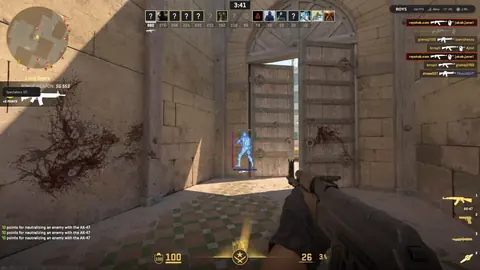 CS2 WallhackESP, Chams and glow through every wall.
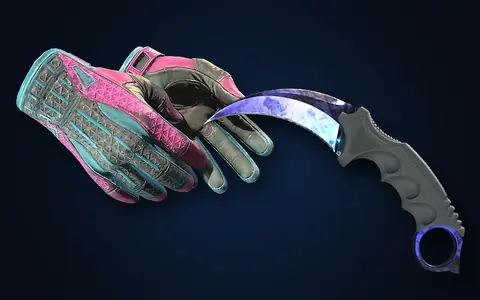 CS2 Skin ChangerAny knife, gloves or weapon finish, instantly.
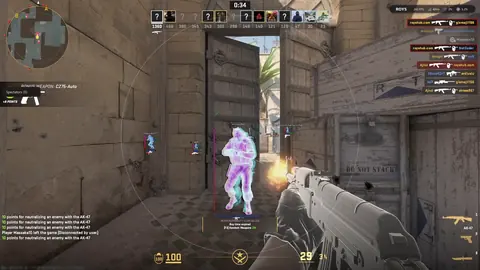 Free CS2 CheatEvery feature free for 24 hours.
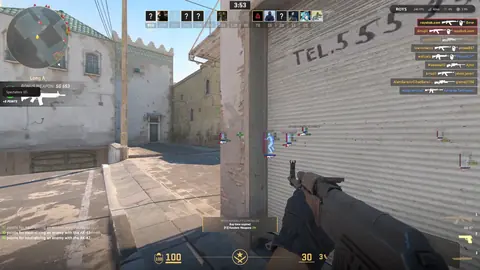 CS2 AimbotHumanized aim, triggerbot and backtrack.
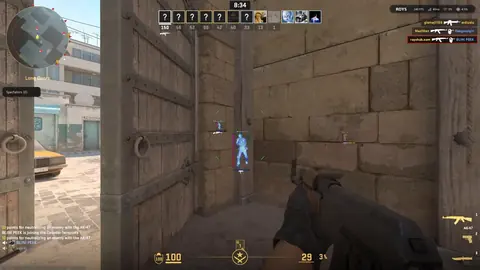 CS2 No RecoilRecoil control that keeps every spray on target.
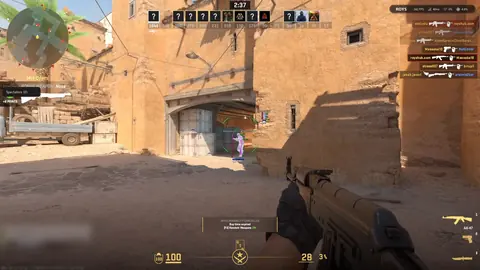 CS2 External CheatNo injection, no driver, hidden on stream.
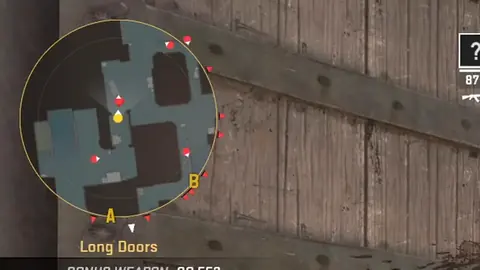 CS2 Radar HackEvery enemy on your minimap, every round.
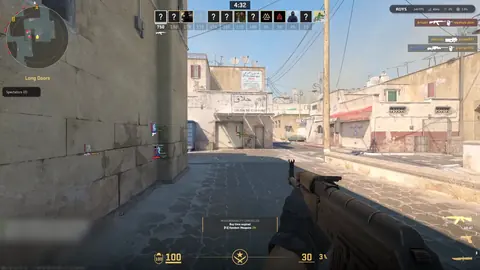 CS2 FACEIT CheatLegit settings for FACEIT matches.
Start your free day or pick a plan. Your key arrives by email in seconds.